SoccerLat controls
On the browser build I read, you move with WASD, sprint with Shift, jump with Space, shoot or pass with left click, lift the ball with right click, and slide with C. Every bind can be changed under Settings, then Controls.
Keyboard and mouse
This table is the default set in the live site copy on 13 Nov 2026. CrazyGames and Playgama help text swap the mouse buttons. I print the live defaults here and the conflict under the table. I do not average them.
| Move | W A S D, or arrow keys | Either set | 1 source · live site |
| Sprint | Shift | Double-tap and hold for super sprint | 1 source · live site |
| Jump | Space | Header or bicycle while airborne | 1 source · live site |
| Shoot or pass | Left click | Hold to charge, release to kick | Conflict · see below |
| Lift | Right click | Pops the ball at your feet | Conflict · see below |
| Poke or slide | C | Tap pokes, hold slides | 1 source · live site |
| Strafe | Q / E | While dribbling | 1 source · live site |
| Sombrero | F | While dribbling | 1 source · live site |
| Call for the ball | E | When you do not have it | 1 source · live site |
| Keeper grab or place | F | Keeper only | 1 source · live site |
| Emote wheel | Hold B | 1 source · live site | |
| Chat / voice | T / V | Voice can be push-to-talk | 1 source · live site |
| First person | 1 | 1 source · live site | |
| Pause | Esc | 1 source · live site |
Conflict: the live site defaults kick to left click and lift to right click. CrazyGames and Playgama write “hold left click to dribble” and “hold right click to charge and strike”. Those help pages were checked the same day. Until you open Settings → Controls in the build you are playing, treat the live site row as the one I trust, and treat the help pages as the opposite claim.
Gamepad
Button letters below are the Xbox-layout names in the live site copy. I do not relabel them for PlayStation or Switch. Every pad bind can be remapped.
| Jump | A | 1 source · live site |
| Poke or slide | B | 1 source · live site |
| Keeper grab or place | X | 1 source · live site |
| Emote | Y | 1 source · live site |
| Sprint | LB | 1 source · live site |
| Voice | RB | 1 source · live site |
| Lift or bicycle | LT | 1 source · live site |
| Shoot or pass | RT | 1 source · live site |
| Strafe | L3 / R3 | 1 source · live site |
| Emote wheel | D-pad up | 1 source · live site |
| Chat | Select | 1 source · live site |
Touch
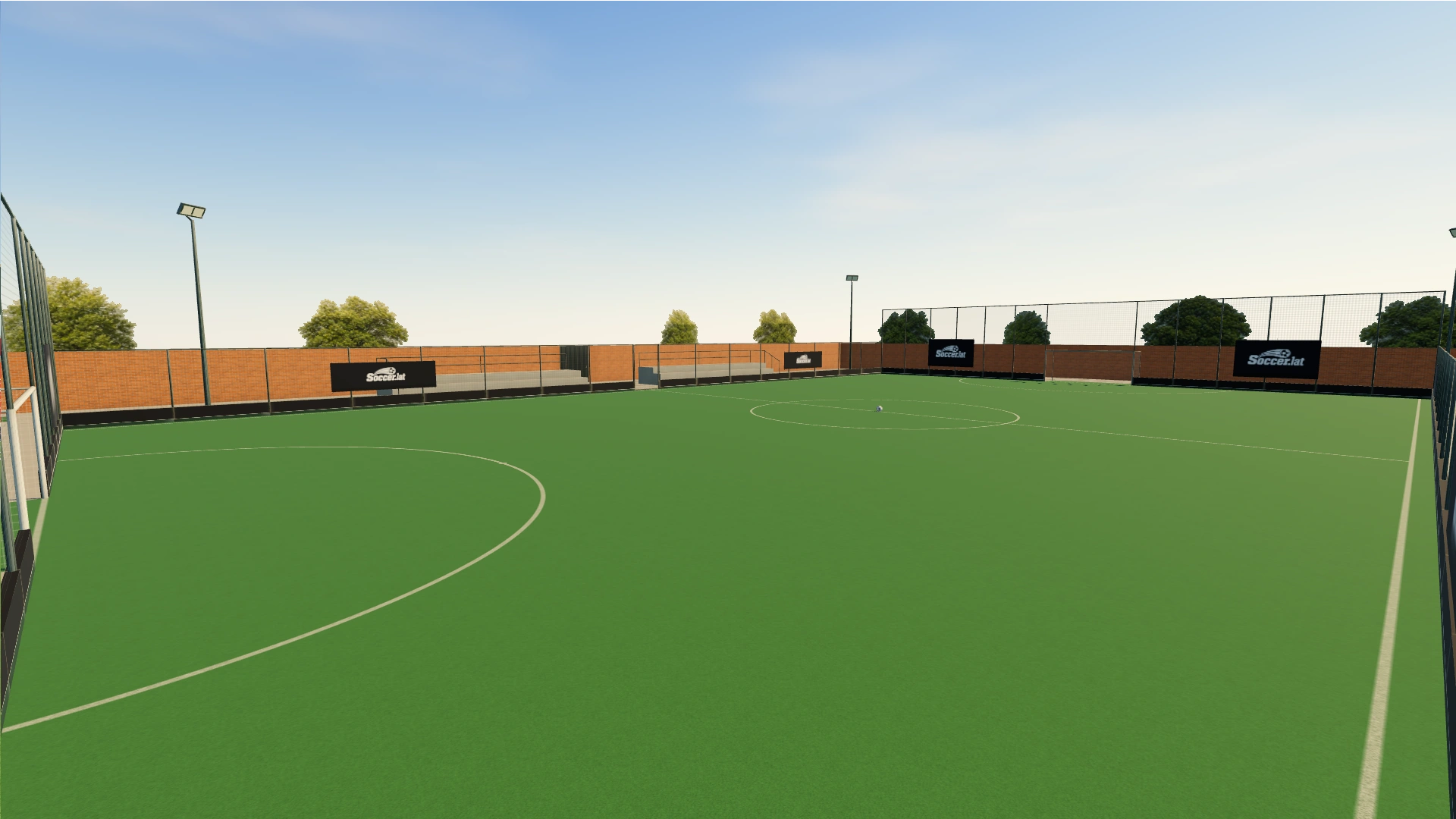
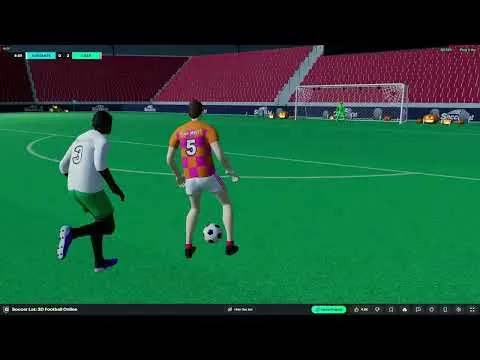
Phone layout is a stick on the left, a drag-look on the right, and buttons you can move and resize. Two switches exist in settings: “Shooting finger doesn’t move the camera” and a walk/run toggle. Store screenshots show that HUD. I use them as pictures of the layout, not as a promise of a frame rate.
How aiming works
The tutorial line I trust is “Hold to charge, aim with the camera, release to shoot.” Looking higher lofts the ball. A short tap while you look up is the loft hint in the same copy. Strafing as you strike bends the ball. CrazyGames repeats the camera-aim idea, so the charge-and-camera part is two sources. The exact loft sentence is one source.
A developer reply on Reddit r/IoGames, captured earlier on the same day the thread itself returned a block, says aim depends on camera height and that settings can change it. I mark that as one source, a developer reply, not as a second copy of the key table.
Settings worth opening
- The public build lists a field-of-view range of 50–100 (1 source). Choose a view that lets you track the ball; no universal best value is established.
- Horizontal and vertical sensitivity run 20–250%. Curve sensitivity runs 0–200%.
- First person can be toggled, and the 1 key jumps there.
- If shots fly over the bar, look lower before you release. If they die at the keeper’s feet, look higher or charge longer.
- If the mouse buttons feel backwards compared with a help page, open Settings → Controls and read the labels in that build.
Questions
Which mouse button shoots?
The live site default on 13 Nov 2026 is left click to shoot and right click to lift. CrazyGames and Playgama help text say the opposite. Check Settings → Controls in the build you have open.
Can I use a controller?
Yes. The live site ships Xbox-layout defaults and lets you remap them. I do not publish PlayStation glyph names.
Sources
- SoccerLat public build (defaults, maps and rules; 1 source) — checked 2026-11-13
- soccer.lat — checked 2026-11-13
- CrazyGames controls text — checked 2026-11-13
- Playgama controls text — checked 2026-11-13
- Reddit r/IoGames developer thread — checked 2026-11-13
Related: How to play · Positions · Mobile touch · Tips
Updated 2026-11-13. Write to [email protected] if a line is wrong.